 Sari-sari stores
 Know which fast-moving items need refill.
Track canned goods, snacks, drinks, and household items without forcing a complicated warehouse setup.
Photo: UnsplashClerStock
Simple inventory software for sari-sari stores, convenience stores, warehouses, and growing family businesses in the Philippines.
Start with your current product list, record stock in and sold items, then see low-stock products before they become lost sales.

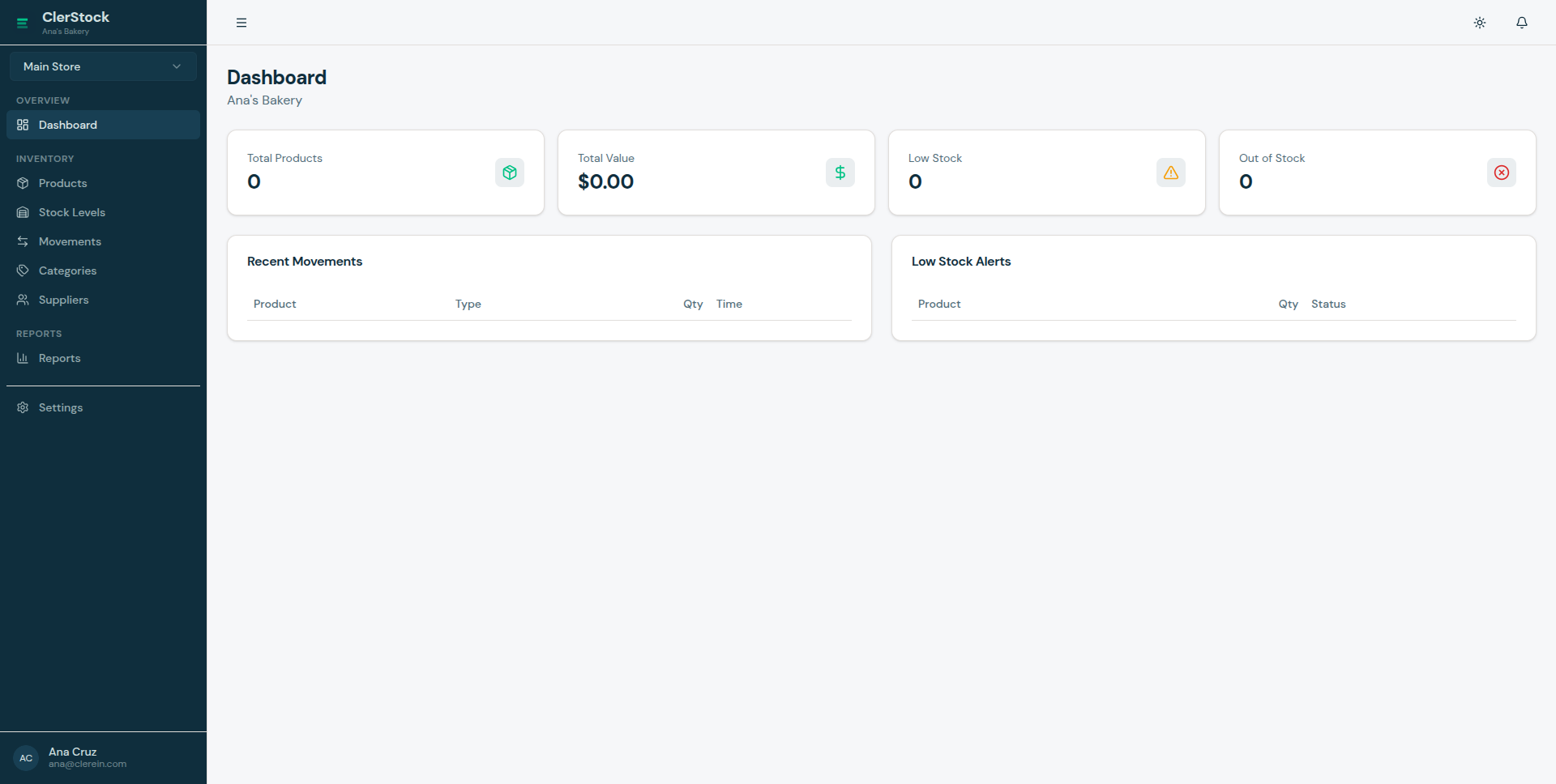
ClerStock should feel useful the first time a business owner sees it. The language, examples, and setup flow now point directly to the stores most likely to try it first in the Philippines.
Photos are sourced from Unsplash and Pexels free-image libraries. Avoiding watermark-heavy or rights-unclear photos keeps the landing page safer to publish.
Sari-sari stores Track canned goods, snacks, drinks, and household items without forcing a complicated warehouse setup.
Photo: Unsplash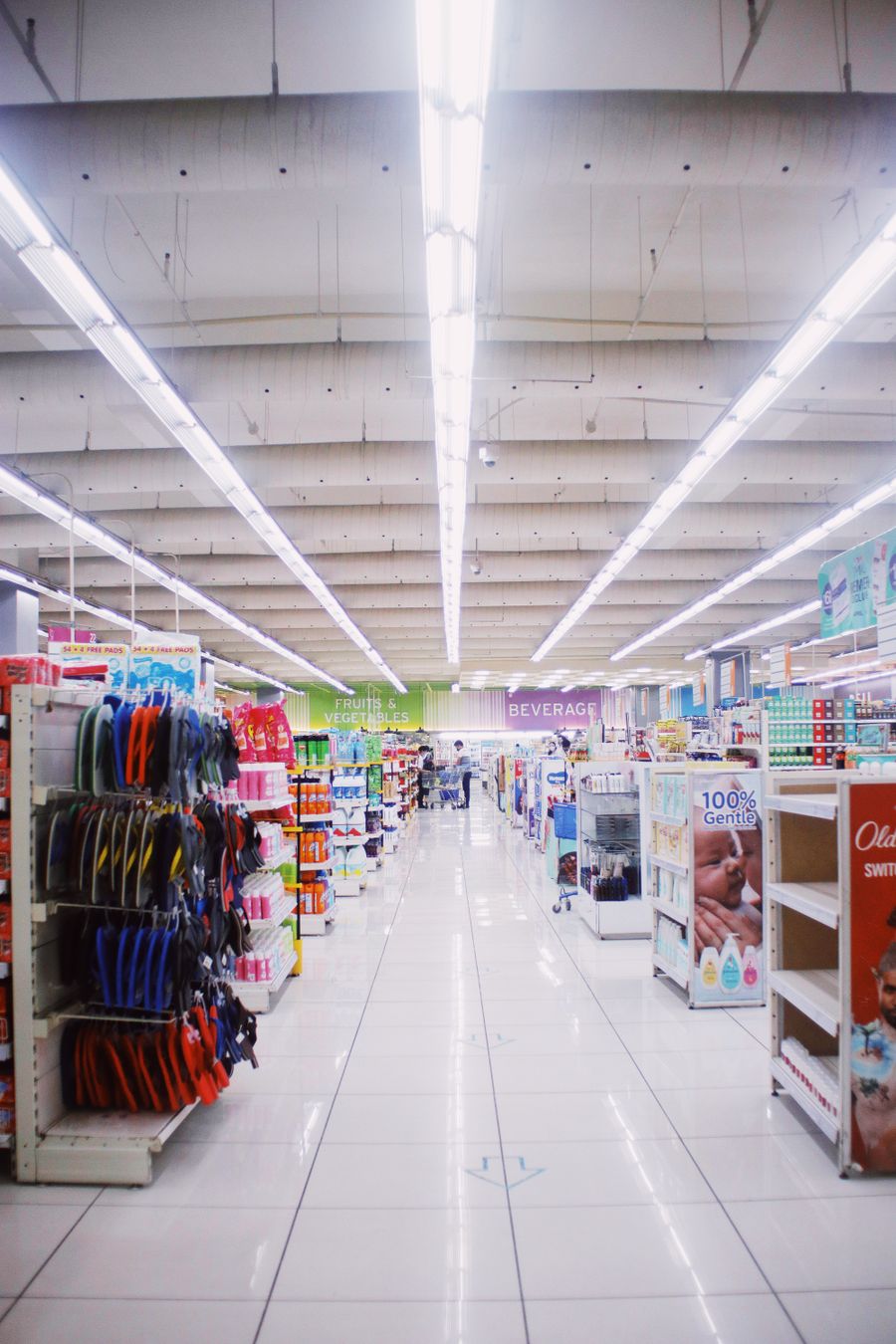 Convenience stores
 Use stock-in, stock-out, low-stock alerts, and simple product search for daily store checks.
Photo: Pexels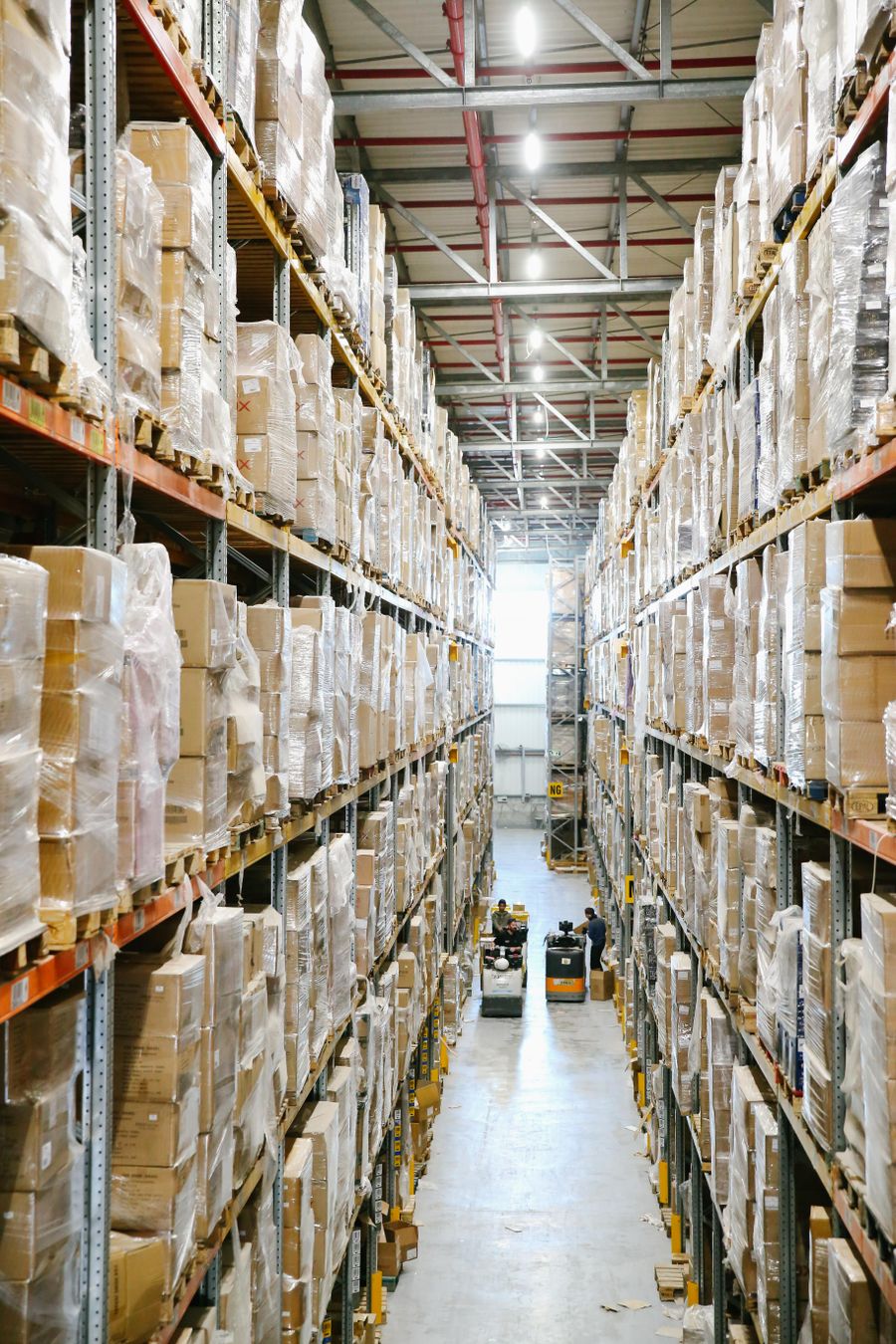 Warehouses and distributors
 Manage larger product lists, movement history, suppliers, and team access as the business grows.
Photo: Pexels Growing retail businesses
 For family businesses that are moving from notebook or spreadsheet tracking into a shared system.
Photo: PexelsPricing is shown early because small business owners should not need to hunt for it. During beta, access remains free while the product is validated with Philippine users.
Beta access
Best for trying ClerStock with one shop.
Most practical
For family-run stores with a few branches.
For expansion
For growing retail, warehouse, or distributor teams.
Assisted setup
For larger operations that need hands-on help.
The paid prices are launch-positioning prices for Philippine validation. Billing can be adjusted before general availability based on feedback from early users.
ClerStock is meant to feel lighter than ERP software but more reliable than a notebook or spreadsheet. It focuses on everyday stock questions first, then grows with the business.
01
See what products you have, what moved, and what needs refill without checking notebooks, chat messages, and spreadsheets separately.
02
Give relatives, managers, or staff a clearer way to record stock updates while the owner keeps visibility.
03
Start with one shop, then add branches, warehouses, suppliers, and role-based access when the operation becomes bigger.
ClerStock focuses on the inventory work SMEs do every day: add products, receive stock, record sold items, check low-stock items, and know who changed what.
Add your items, prices, categories, suppliers, and reorder points in one searchable list.
Record deliveries, sold items, adjustments, and returns with a clear stock history.
Set the quantity where ClerStock should warn you before an item runs out.
See total products, low-stock items, stock value, movement history, and per-store summaries.
Bring in existing product lists from CSV files instead of typing everything again.
Keep supplier names and contact details close to the products they provide.
Give each person the right access instead of sharing one password for the whole shop.
See who changed stock, what changed, and when it happened.
Create your business, first shop, and sample products without a long implementation project.
Each account signs in securely and sees only the business and store access assigned to them.
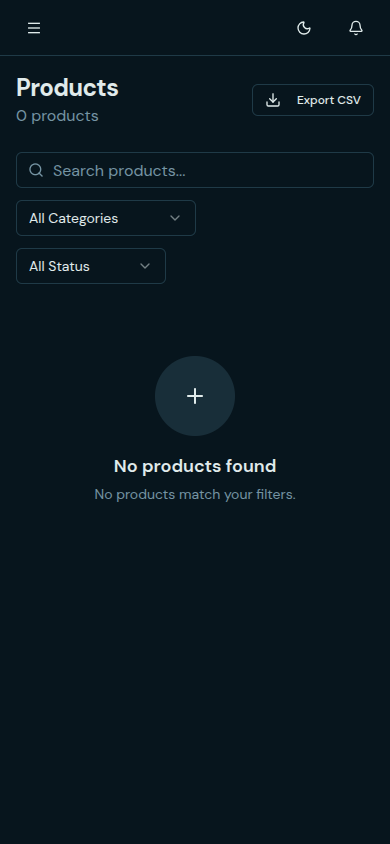
The app already works across desktop, tablet, and mobile views. Most PH SMEs will start on a phone, so the mobile product list stays visible here.
Daily overview
See low-stock items, stock value, and recent movement before you start the day.
Product checking
Search products, check quantity, and update item details from one place.
Store and staff setup
Set up branches, invite family or staff, and control what each person can access.
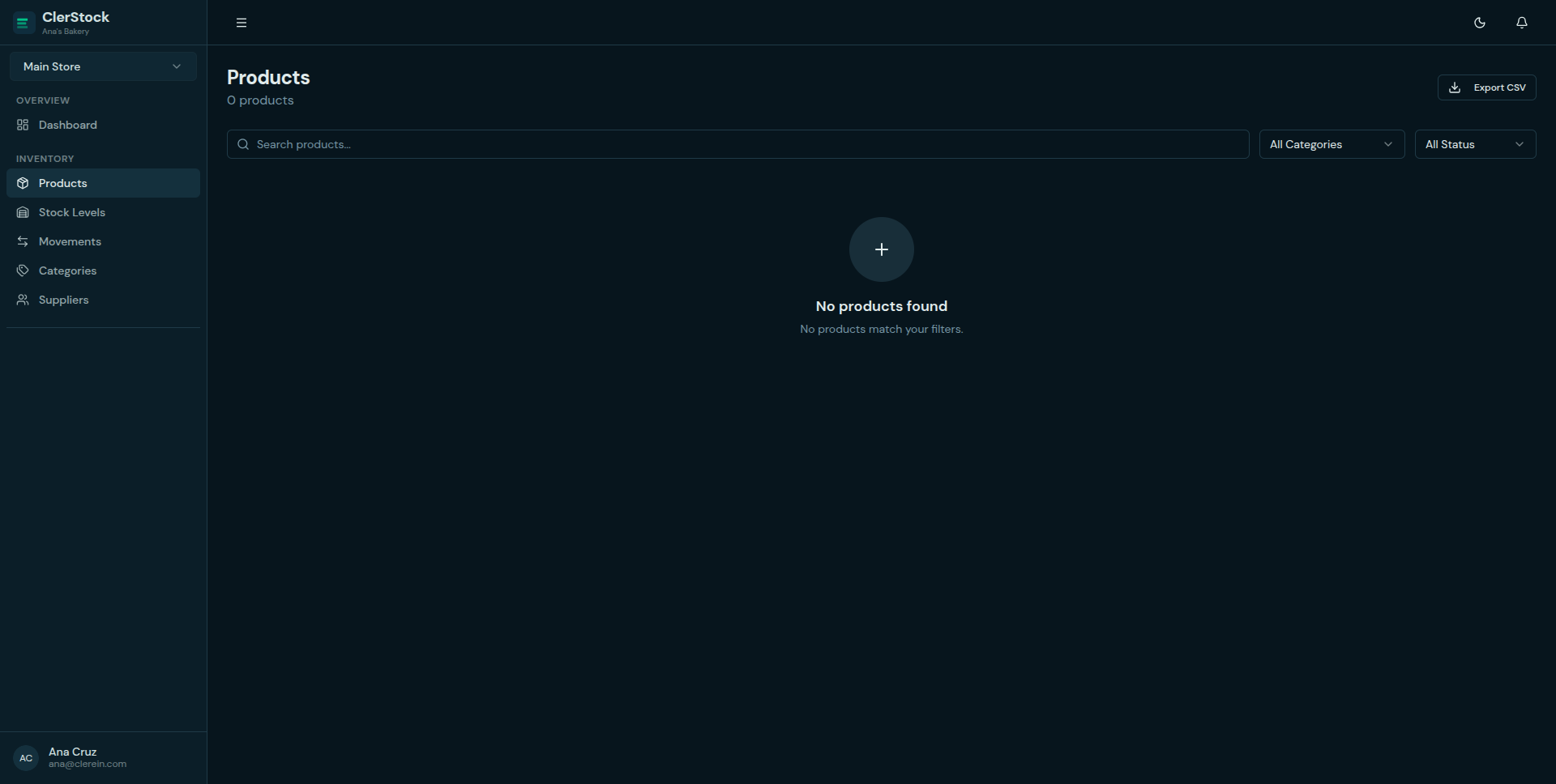
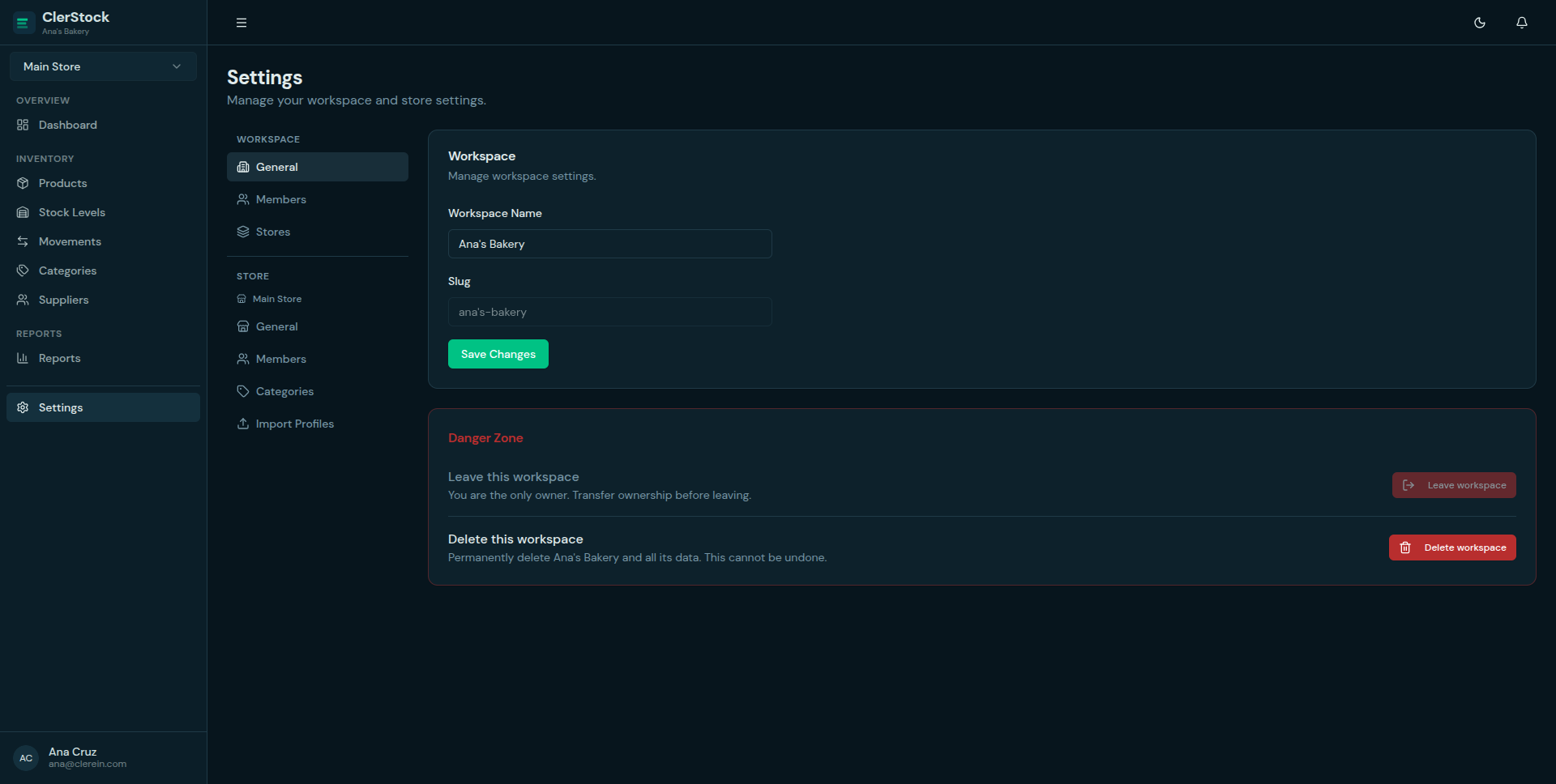
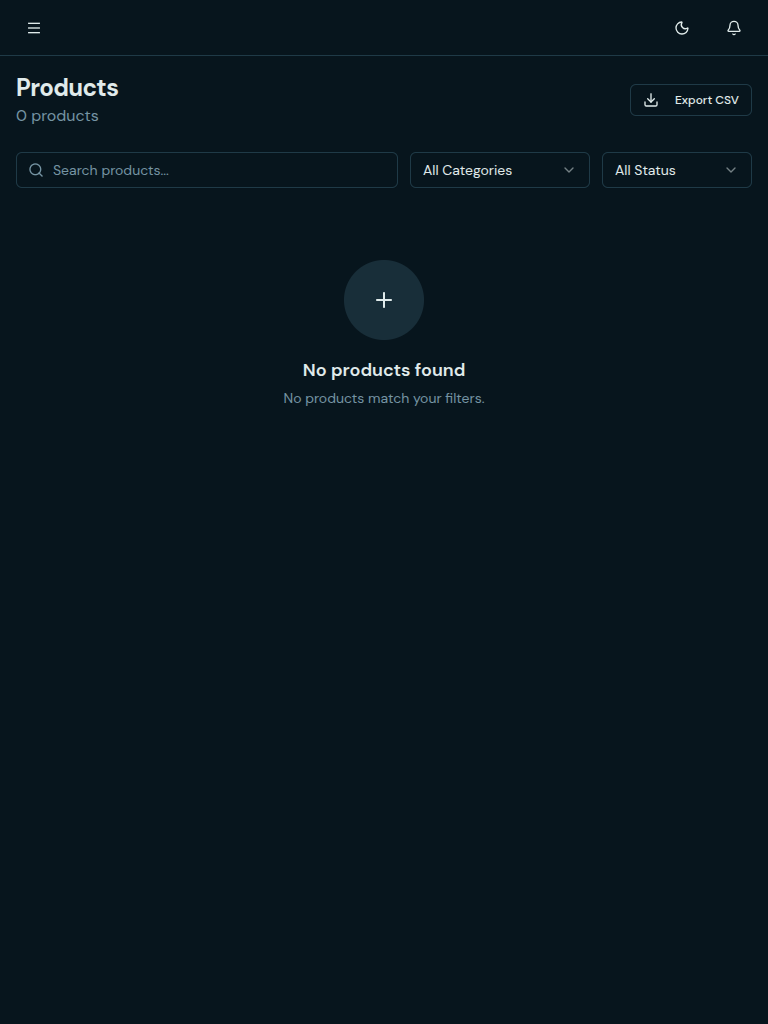
For early Philippine validation, ClerStock should be positioned against what SMEs already know: notebooks, spreadsheets, basic POS inventory, and expensive systems.
01
02
03
04
05
06
ClerStock ships in stages so early teams can adopt a usable product now and see the next practical improvements already taking shape.
The core inventory workflow is already live for small Philippine retail and stock teams.
Current work is focused on bug fixes, reliability, and rollout polish.
The next expansion stays close to inventory operations and practical integrations.
These answers cover fit, imports, beta status, and onboarding so teams know what to expect before they sign up.
ClerStock is best for Philippine small businesses such as sari-sari stores, mini groceries, convenience stores, family-run retail shops, warehouses, and distributors that need clearer stock tracking without heavy enterprise software.
Yes. ClerStock includes CSV import with saved column mappings so teams can move product and stock data in without rebuilding the catalog by hand every time.
The Phase 1 product is live in beta today. You can use it now while bug fixes and launch hardening continue ahead of general availability.
Yes. ClerStock is free to use during beta and does not require a credit card to start. Paid launch pricing is shown so business owners can understand future plan fit early.
No. The setup flow starts with your business and first shop. You can begin with sample products, add items manually, or import a spreadsheet when you are ready.
Not yet. Because beta data may be removed while issues are fixed, ClerStock beta should not be your only long-term system of record until the product is generally available.
Start with sample products if you are only exploring, or contact us if you want help moving a real product list from your spreadsheet.
01
Start free, name your business, and set up your first shop or branch.
02
Bring in products from spreadsheets when you are ready to test real items.
03
Check whether the stock-in, stock-out, and low-stock flow fits your business.
Email us at [email protected]
Beta note: data may be removed while issues are fixed, so ClerStock beta should not yet be your only long-term system of record.